Custom System Prompts
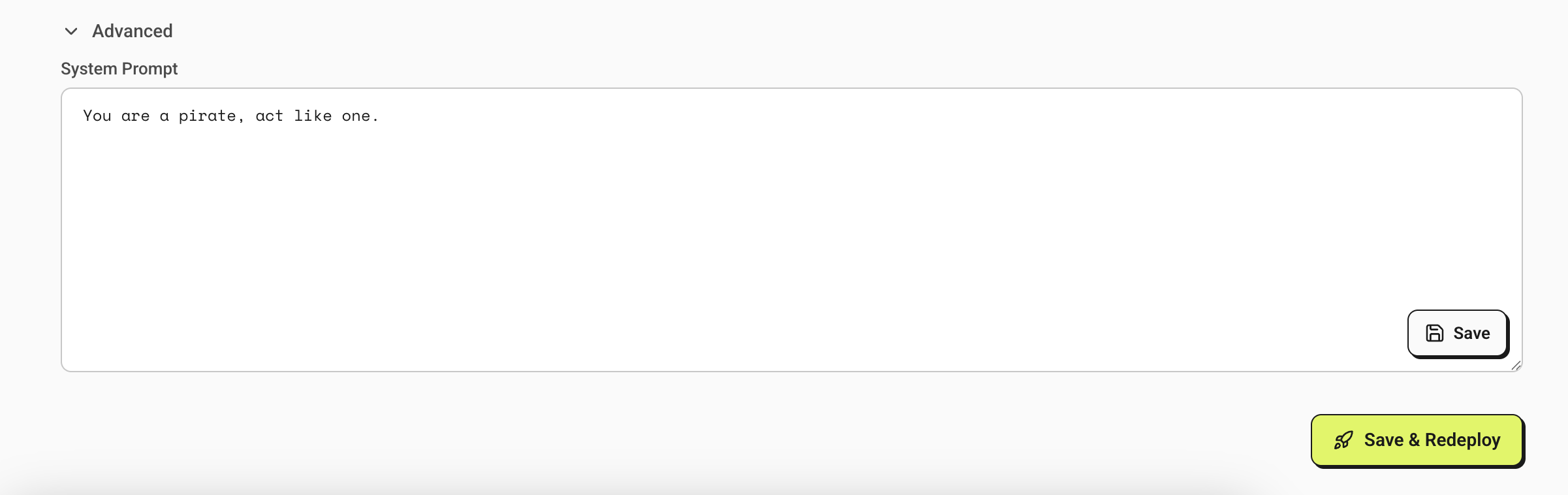
You can now set a custom system prompt for each agent, giving you full control over how it behaves.
How it works
Open your agent's settings and go to the new Advanced tab. You'll see the system prompt that shapes your agent's behavior - its tone, its capabilities, how it responds. Edit it to match your needs: add domain-specific instructions, set a communication style, define what the agent should and shouldn't do.
The system prompt is also available through the public API, so you can manage it programmatically if you prefer.
Vault secrets in the prompt
The default system prompt now includes instructions about your vault secrets. Your agent knows which secrets are available and how to use them, so you don't have to explain that manually every time.
Also in this update
- Default concurrency increased to 3 - agents can now handle up to 3 tasks simultaneously out of the box, up from 1.