File Attachments
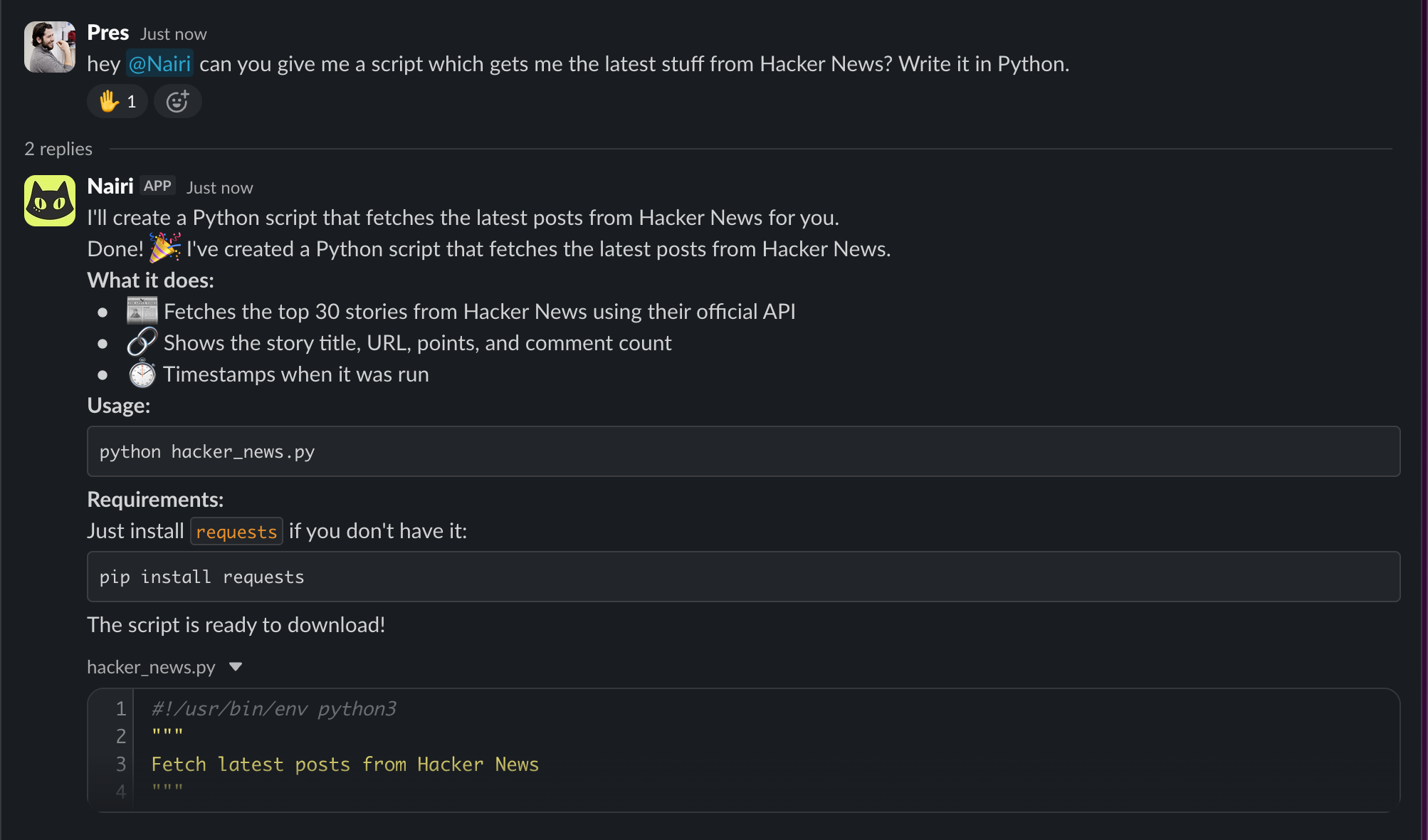
Your agents can now create and send files as part of their responses. Ask for a report, a chart, a data export, or any generated file - the agent creates it and delivers it right in the conversation.
How it works
When an agent generates a file during a task, it gets uploaded and attached to the response message. In Slack, files appear as native uploads in the thread. In Discord, they're posted as message attachments. On the web dashboard and shared links, you'll see a file chip with the filename that you can click to download.
You can ask for anything - CSVs, PDFs, images, code files, archives. If the agent can create it, it can send it to you.
Also in this update
- Stability fix - resolved a memory issue that could cause agents to slow down during long-running sessions.